Organization Switcher
Overview
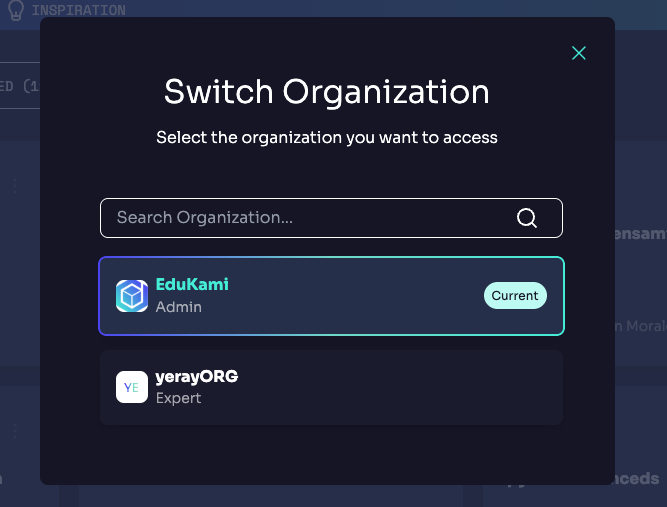
The Organization Switcher enables you to swiftly switch between various organizations within Edukami without the need to log out and change accounts.
To become a member of another Organization, an invitation is required first.
Accessing the Switcher
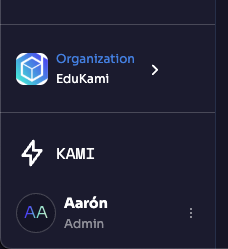
- Click on your current organization name or avatar in the sidebar navigation panel.
- The Organization Switcher modal will open, displaying a list of all organizations you are a member of. After clicking an
Organization, you will be redirected to the dashboard with the info updated.