Edukami Docs
  • English
  • Español
  • English
  • Español
  • Start Guide
    • Welcome
    • Concepts
      • Skill
      • Topic
      • Lesson
      • Assessment
      • Topic Evaluation
      • Recap Evaluation
    • Overview
      • Signup
      • Access
      • Google Authentication
      • Profile
  • Dashboard
    • Sections
    • Roles
  • Learning Hub
    • Skill Catalog
    • My Skills
    • Team Skills
    • Skill Learning Experience
      • Lesson Viewer & AI Tutor
      • Assessments & Topic Evaluations
  • Skill Studio
    • Workspace
    • Skill Creation
      • Duplicate Skill
      • AI Suggestion
      • Inspiration
    • Content Creation
      • Create Lesson
      • Create Assessment
      • Create Topic Evaluation
      • Create Recap Evaluation
    • Managing & Publishing Skills
  • Teams
    • Teams Hub
    • Create a Team
    • Team Layout
      • Members
      • Team Skills
  • Organization
    • Analytics
    • Members
    • Billing
    • Organization Switcher
  • Feedback
    • UserSnap

Team Layout

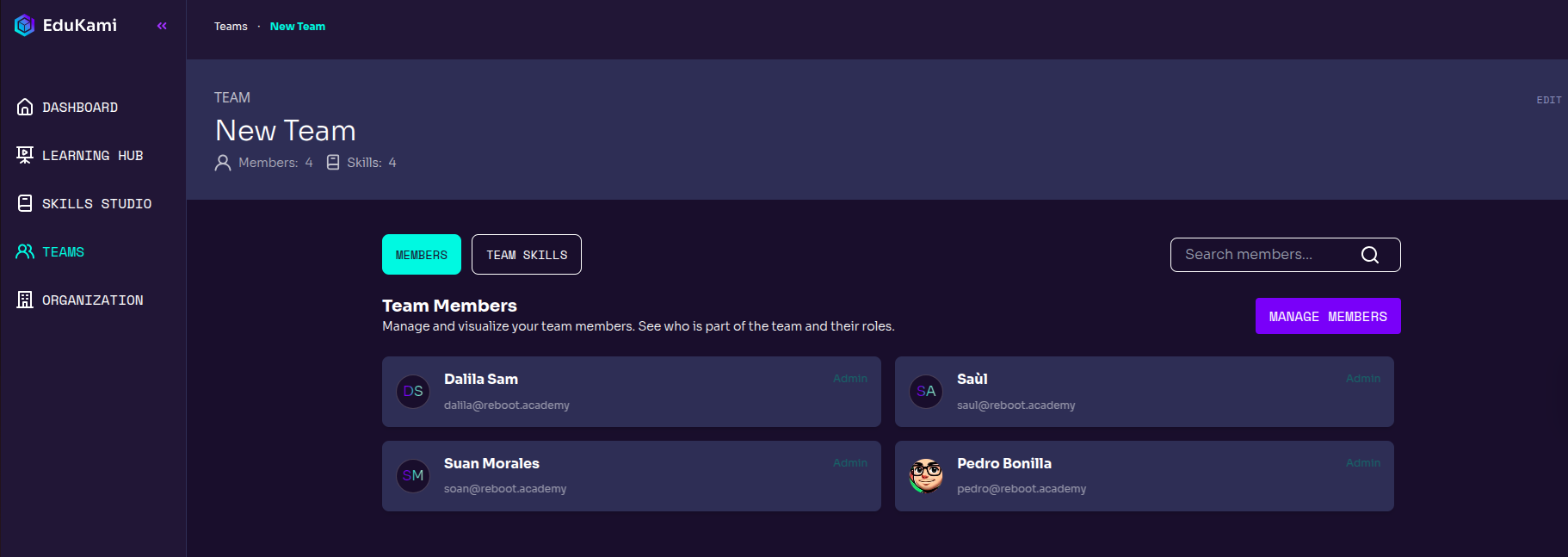
Clicking on a team card will take you to its page, where you can modify the members and skills.
Team Members

Members

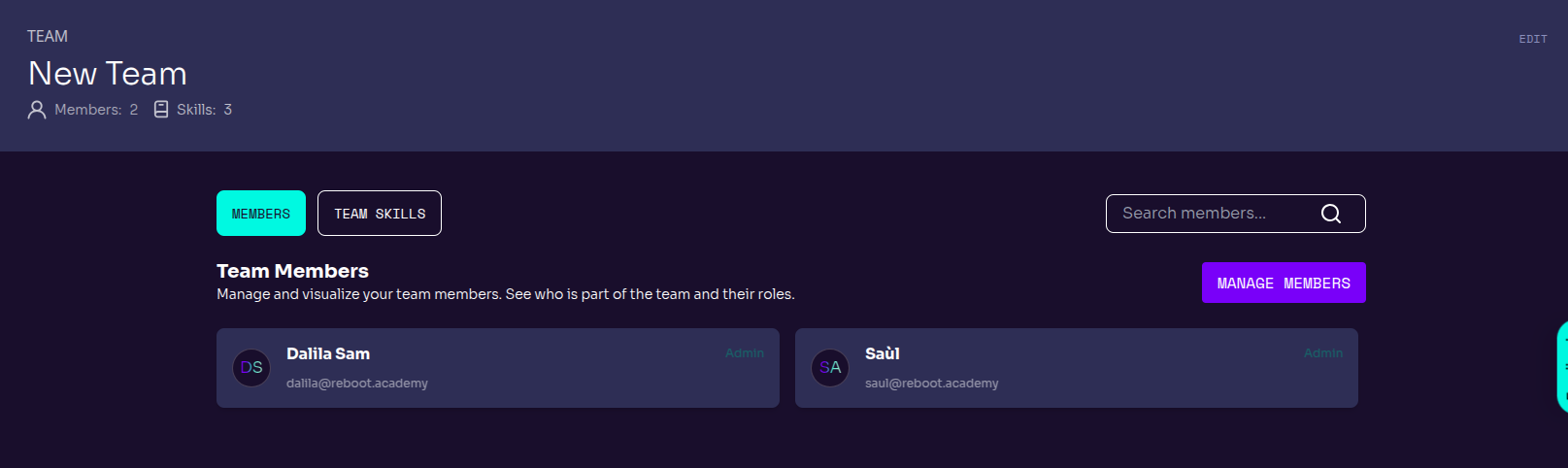
In the Members section, all team members are listed along with their emails and roles.
Team Members

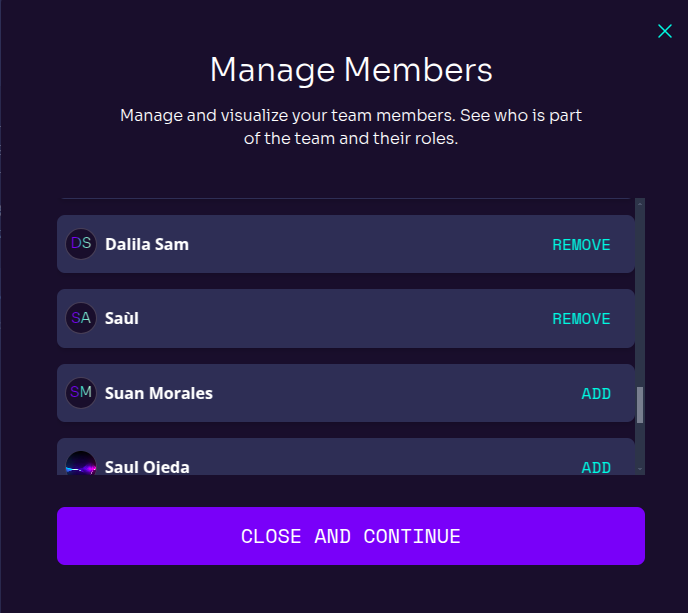
You can manage team members by clicking MANAGE MEMBERS. After clicking it a new pop-up window will appear letting you add new members from your organization or remove members from the team.

Once the changes are made, ckick CLOSE AND CONTINUE.
Manage Members Pop-up

Team Skills

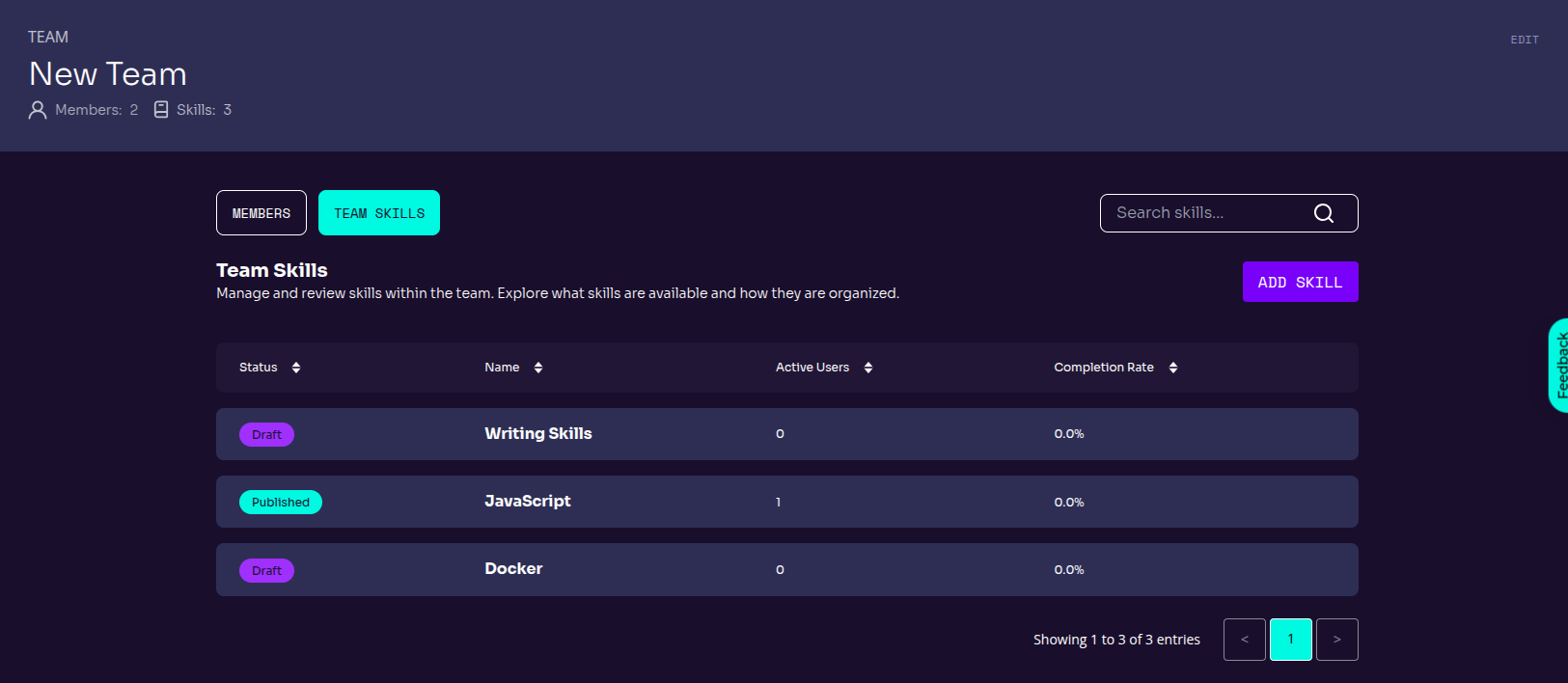
The Team Skills section contains all the Skills added and available of the team.
Team Skills

Each skill contains:

  • Status: Skill's status (Draft, Published).
  • Name: Skill's name.
  • Active users: Active users who are learning the skill
  • Completion Rate: Skill completion rate

Add a skill

The ADD SKILL button allows you to manage the team's skills, whether by adding new oner or deleting them.

Once you finish editing the skills, click on CLOSE AND CONTINUE.
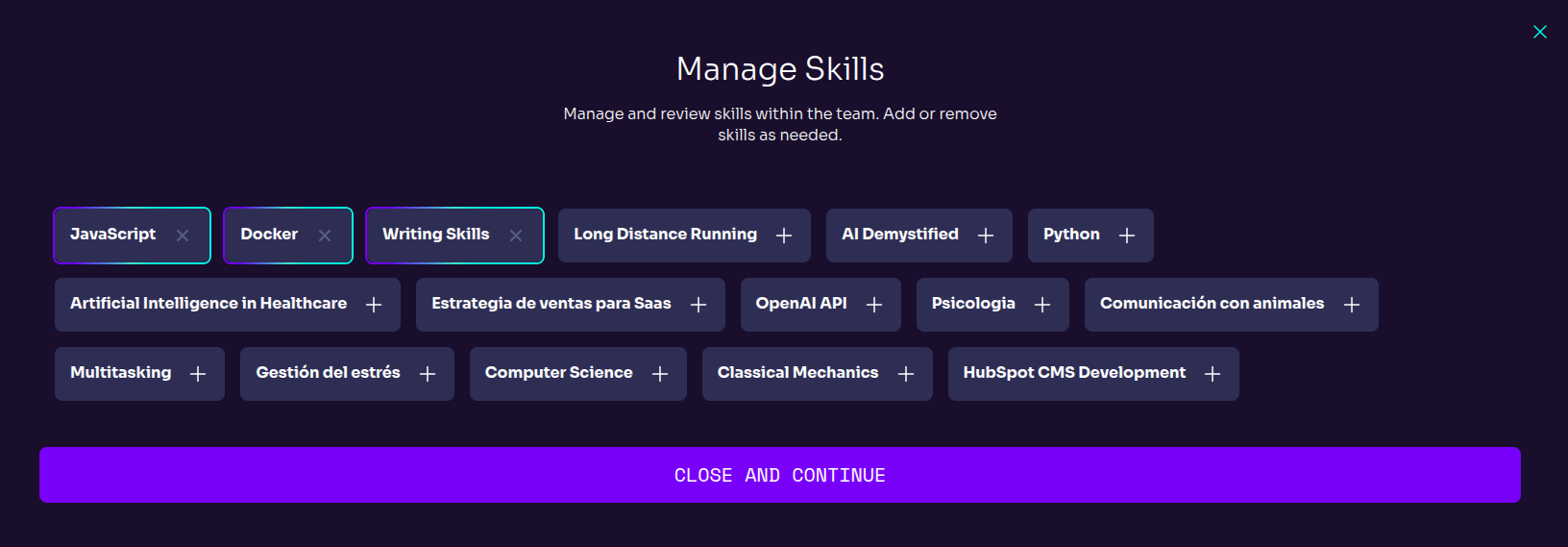
Manage Skills Pop-up
Prev
Create a Team
Next
Organization