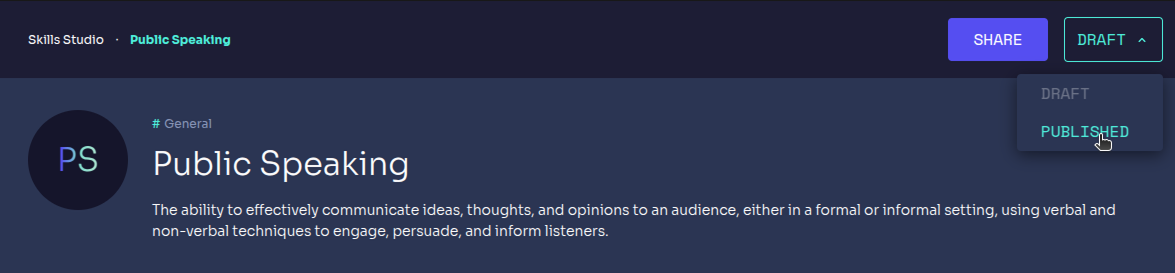
Skill Creation
When an expert wants to create a skill, there are three possible approach:
Create Skill button
Experts can create a new skill by clicking on the Create Skill button.

How it works
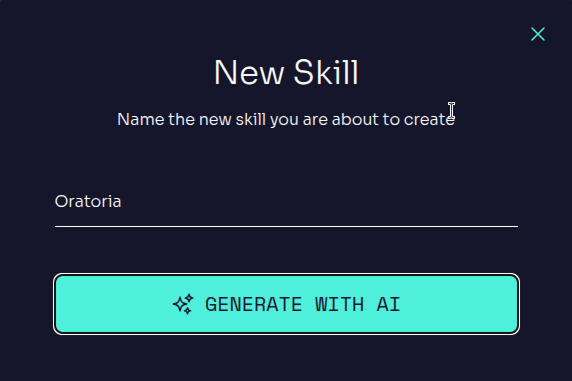
Enter Skill Name
Experts will choose here the name for their Skills.
Personalize the Skill
Users can:
- Select a language (English, Spanish, French, German).
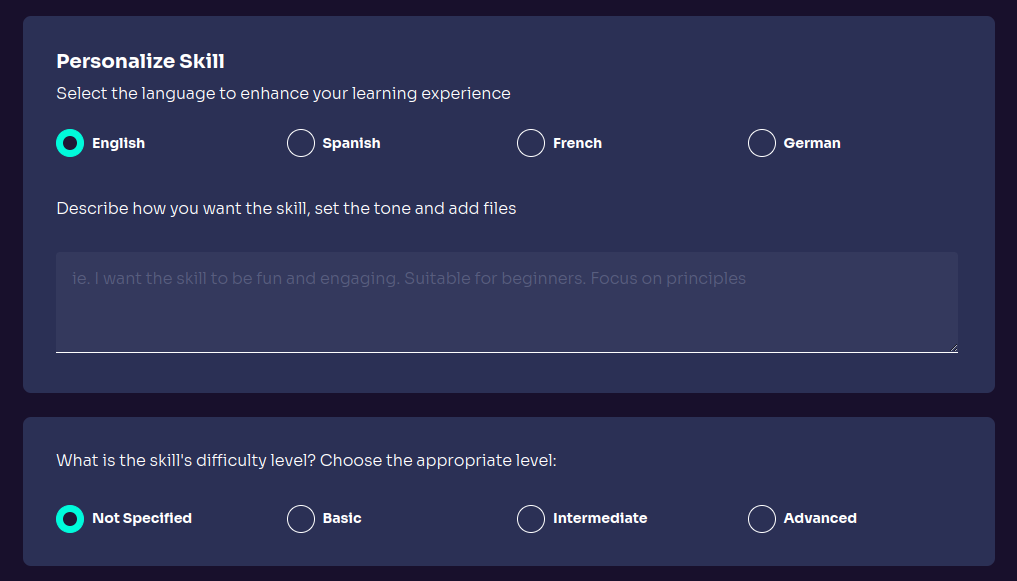
- Provide a description to define the skill's focus.
- Choose a difficulty level (Basic, Intermediate, Advanced). Depending on the difficulty level the concepts will be more general or specific.
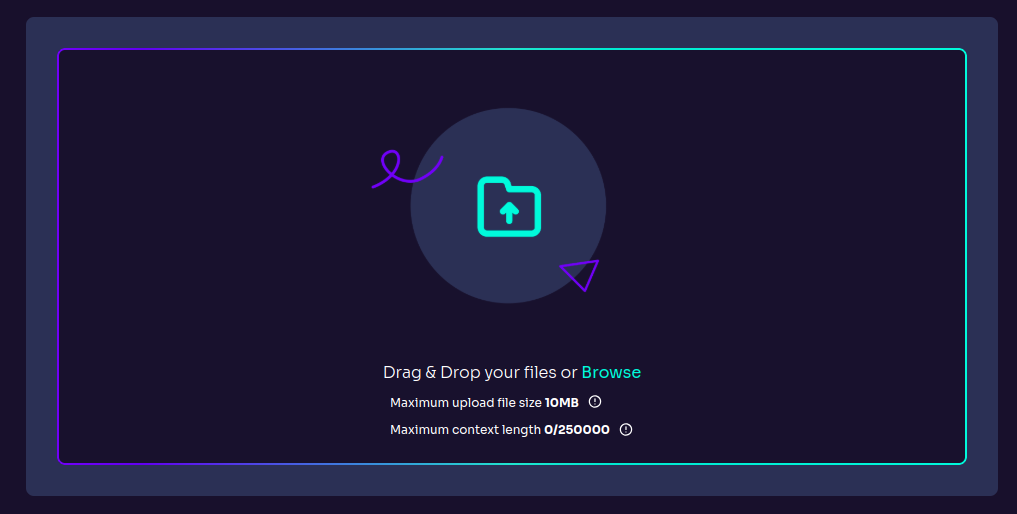
- Upload files to create a comprehensive knowledge base with our Enhanced File Upload System - now supporting up to 500,000 characters across 20 files with intelligent content retrieval.
Example:
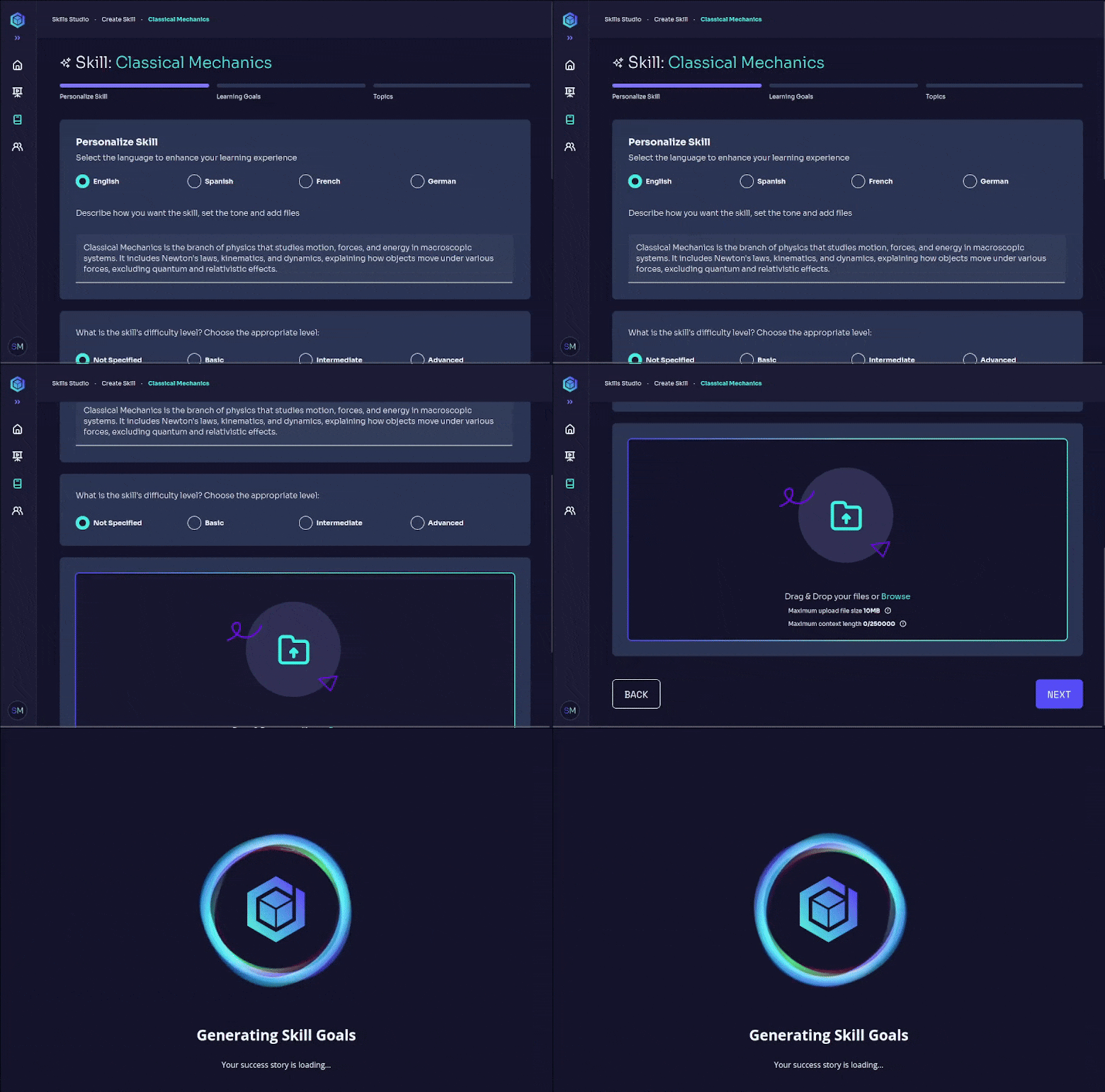
Define Learning Goals & Topics
Users can:
- Set clear learning goals editing the ones generated by the AI or adding new ones.
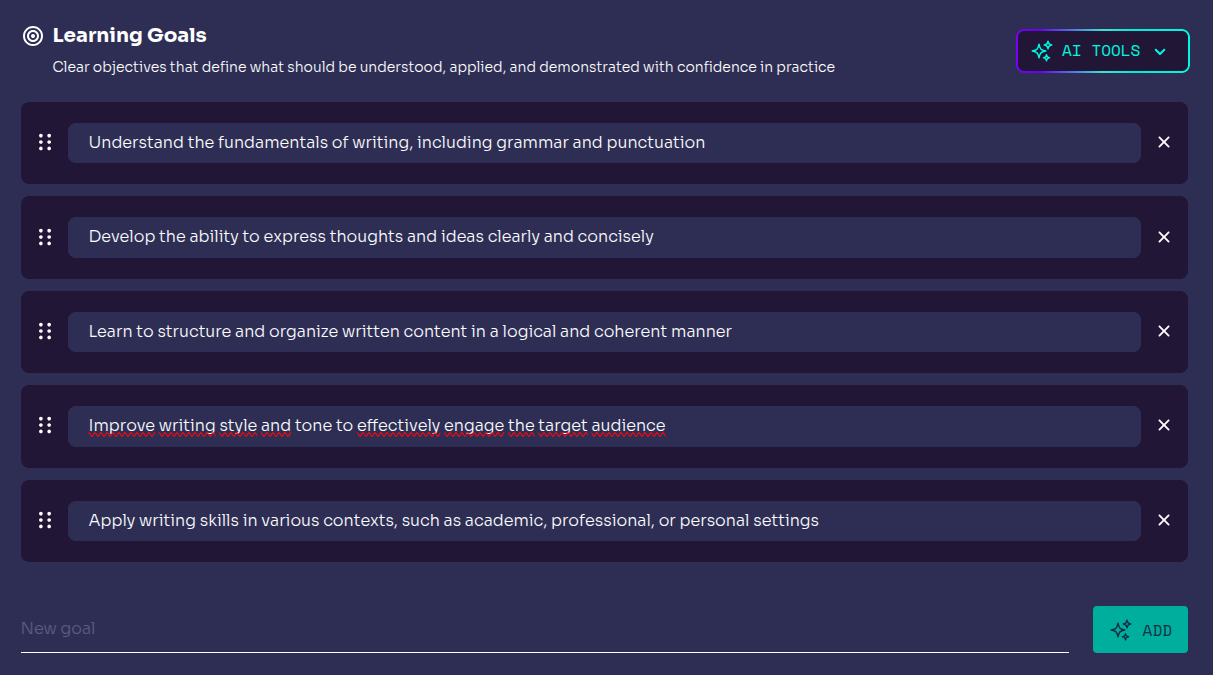
- Organize content into structured topics. They can edit or add new topics.
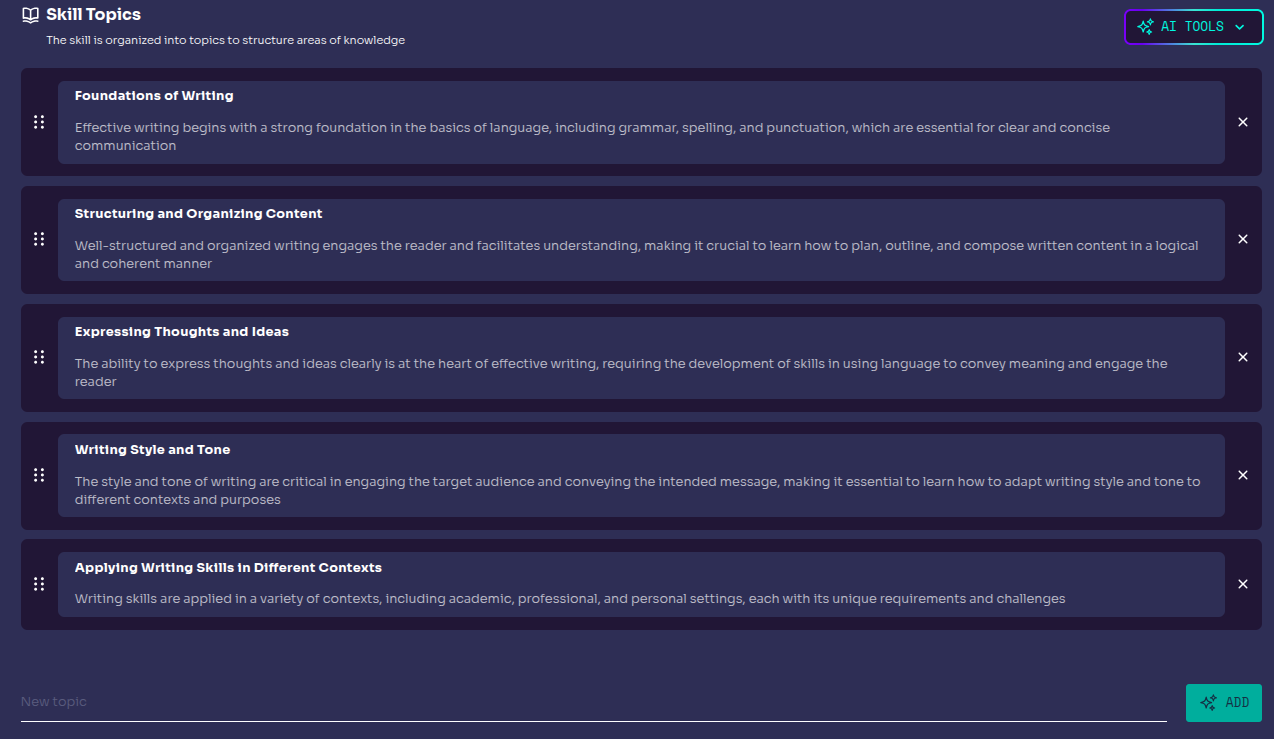
🚀 Action Once a skill is created, it is saved as a Draft until the user publishes it.