Edukami Docs
  • English
  • Español
  • English
  • Español
  • Start Guide
    • Welcome
    • Concepts
      • Skill
      • Topic
      • Lesson
      • Assessment
      • Topic Evaluation
      • Recap Evaluation
    • Overview
      • Signup
      • Access
      • Google Authentication
      • Profile
  • Dashboard
    • Sections
    • Roles
  • Learning Hub
    • Skill Catalog
    • My Skills
    • Team Skills
    • Skill Learning Experience
      • Lesson Viewer & AI Tutor
      • Assessments & Topic Evaluations
  • Skill Studio
    • Workspace
    • Skill Creation
      • Duplicate Skill
      • AI Suggestion
      • Inspiration
    • Content Creation
      • Create Lesson
      • Create Assessment
      • Create Topic Evaluation
      • Create Recap Evaluation
    • Managing & Publishing Skills
  • Teams
    • Teams Hub
    • Create a Team
    • Team Layout
  • Organization
    • Analytics
    • Members
    • Billing
    • Organization Switcher
  • Feedback
    • UserSnap

AI Suggestion

If experts need suggestions to know what skills they need to go through certain problems or situations they could use the AI Suggestion tool.


How it works

AI-Generated Descriptions

AI provides a brief skill overview.

AI Learning Goals

AI suggests learning objectives tailored to the skill.

Users can also generate skills using AI Suggestions by following this process:

  • Click on SUGGEST SKILLS in the AI Suggestions tab.
Edukami Landing
  • Describe a challenge or learning need.
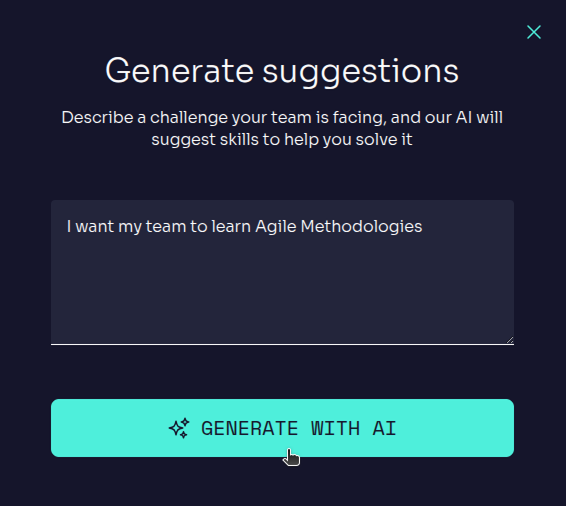
Edukami Landing
  • Click GENERATE WITH IA , and the system will suggest relevant skills.

  • Select the skills that best fit the learning goal.
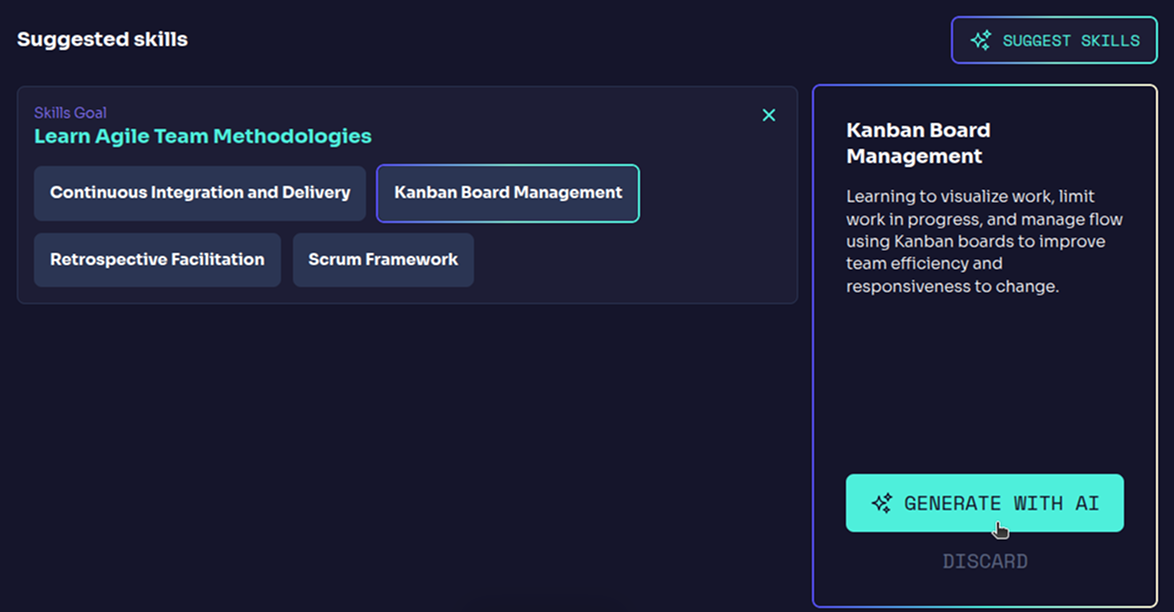
Edukami Landing
  • Proceed to the standard skill creation flow , where the skill is further personalized and structured.
Prev
Skill Creation
Next
Inspiration