Edukami Docs
  • English
  • Español
  • English
  • Español
  • Start Guide
    • Welcome
    • Concepts
      • Skill
      • Topic
      • Lesson
      • Assessment
      • Topic Evaluation
      • Recap Evaluation
    • Overview
      • Signup
        • Signup via Email Invitation
        • Signup via Link Invitation
      • Access
      • Google Authentication
      • Profile
  • Dashboard
    • Sections
    • Roles
  • Learning Hub
    • Skill Catalog
    • My Skills
    • Team Skills
    • Skill Learning Experience
      • Lesson Viewer & AI Tutor
      • Assessments & Topic Evaluations
  • Skill Studio
    • Workspace
    • Skill Creation
      • Duplicate Skill
      • AI Suggestion
      • Inspiration
    • Content Creation
      • Create Lesson
      • Create Assessment
      • Create Topic Evaluation
      • Create Recap Evaluation
    • Managing & Publishing Skills
  • Teams
    • Teams Hub
    • Create a Team
    • Team Layout
  • Organization
    • Analytics
    • Members
    • Billing
    • Organization Switcher
  • Feedback
    • UserSnap

Signup

To access EduKami, you need to be invited. There are two ways to register:

  • Signup via Email Invitation
  • Signup via Link Invitation

Signup via Email Invitation

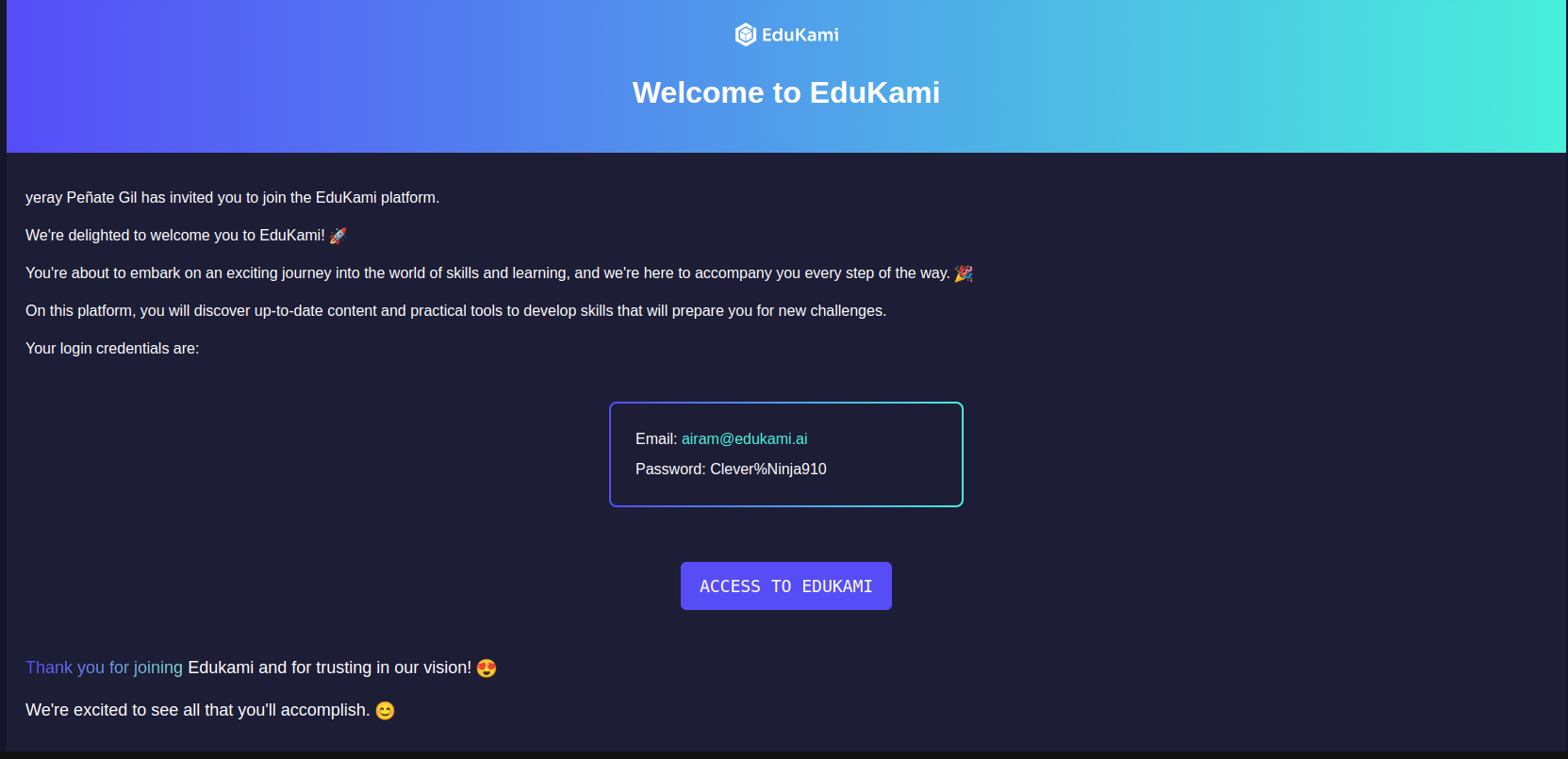
Users invited by email receive a message with a direct link to access the platform.

How it Works

  • The user receives an email with:
    • Their pre-generated login credentials (email and temporary password).
    • A button to access the platform.
Edukami Landing
  • Copy the temporary password provided.
  • Click the ACCESS TO EDUKAMI button.
  • Log in using the email and temporary password.
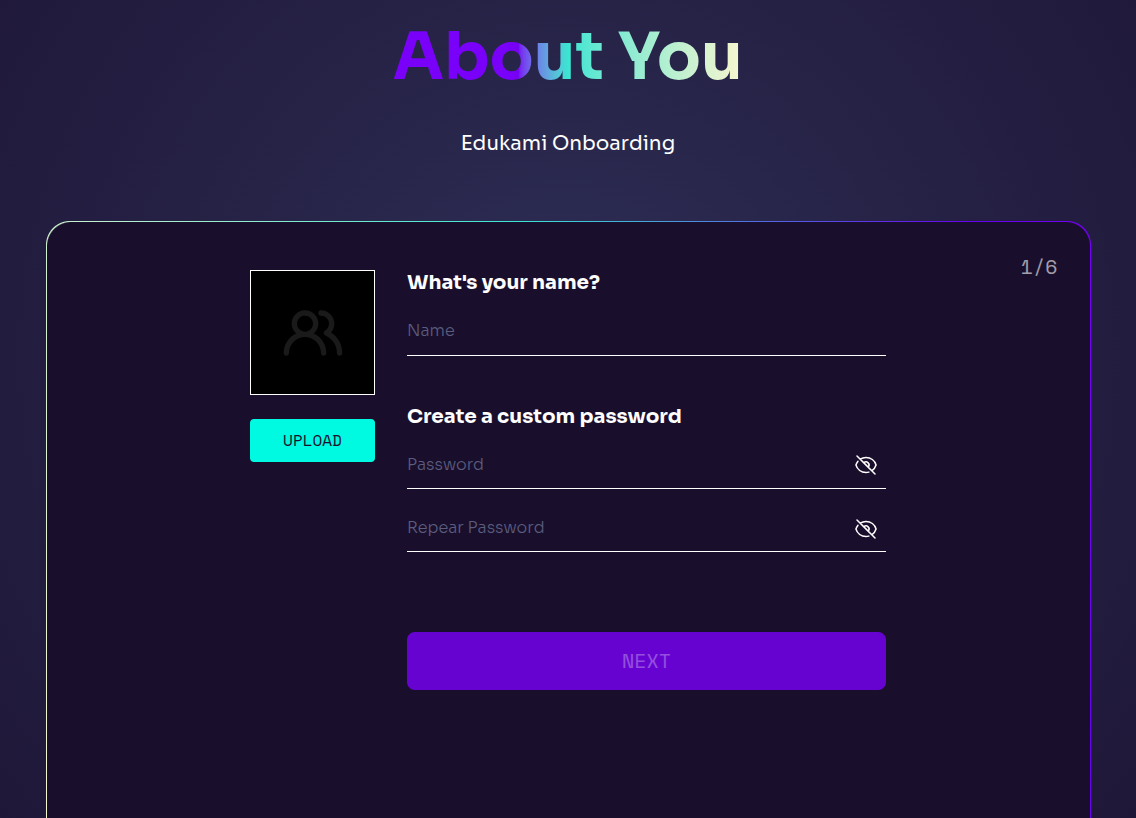
  • Follow the process: setting your details and a new password.
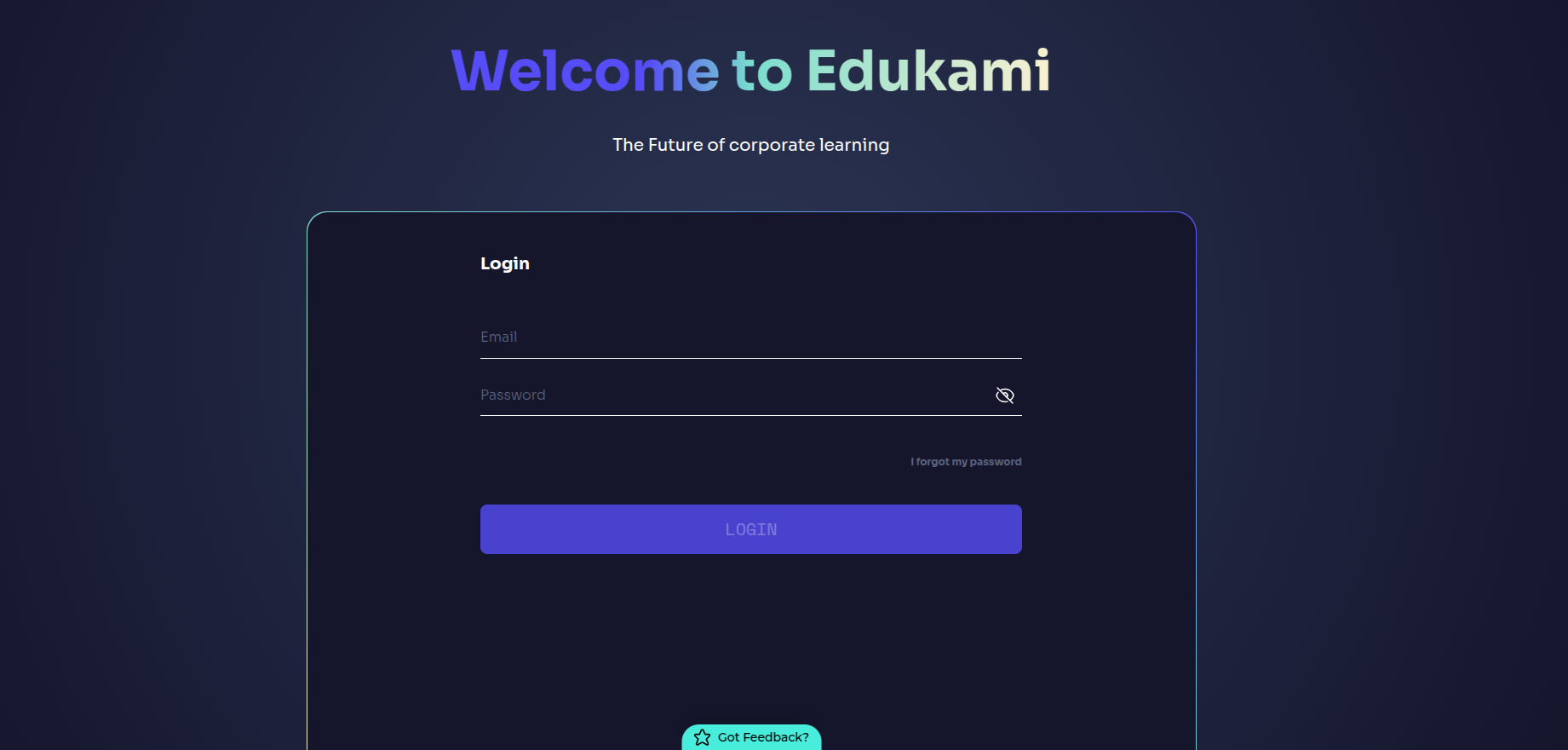
Edukami Landing

Signup via Link Invitation

Users invited through a generated link are redirected to the signup page within the organization environment.

📌 Invitation link has an expire date.

How it Works

  • Paste the invitation link in a browser and you will be redirected to the signup form page.
  • Manually enter personal details .
  • Click SIGN UP button.
Edukami Landing

📌 Users who sign up from link are assigned as Learner automatically.

Prev
Overview of Signup, Profile, Access
Next
Access