Access
The Access section explains how users can log in, log out, and recover their passwords to securely access the platform.
Login
The Login page allows users to enter their credentials and access their account.
How it Works
- Navigate to the Login page
- Users must enter their email and password .
- The password field includes a visibility toggle to show/hide the input.
- Clicking
LOGINredirects the user to the Dashboard.
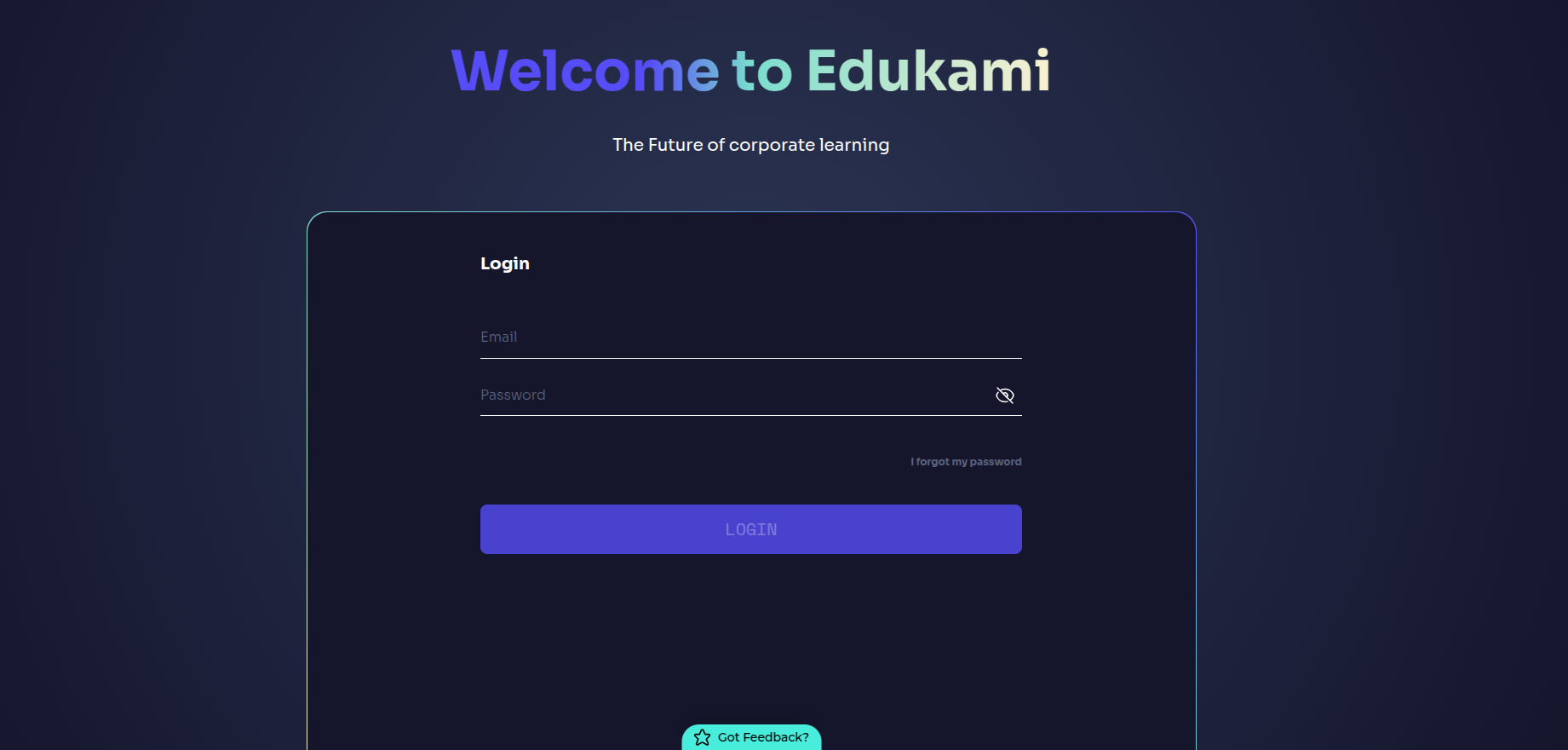
📌 If users forget their password, they can click on I FORGOT MY PASSWORD to start the recovery process.
Forgot Password
If users forget their password, they can request a reset link via email.
How it Works
- Clicking
I FORGOT MY PASSWORDopens the password reset popup. - Users enter their email address .
- A reset link is sent to their email.
- Clicking the reset link allows them to create a new password .
🚀 Steps to Reset Password:
- Click
I FORGOT MY PASSWORDon the login page. - Enter your email address .
- Click
GET RESET LINK. - Check your email inbox and open the reset link.
- Create a new password and confirm the change.
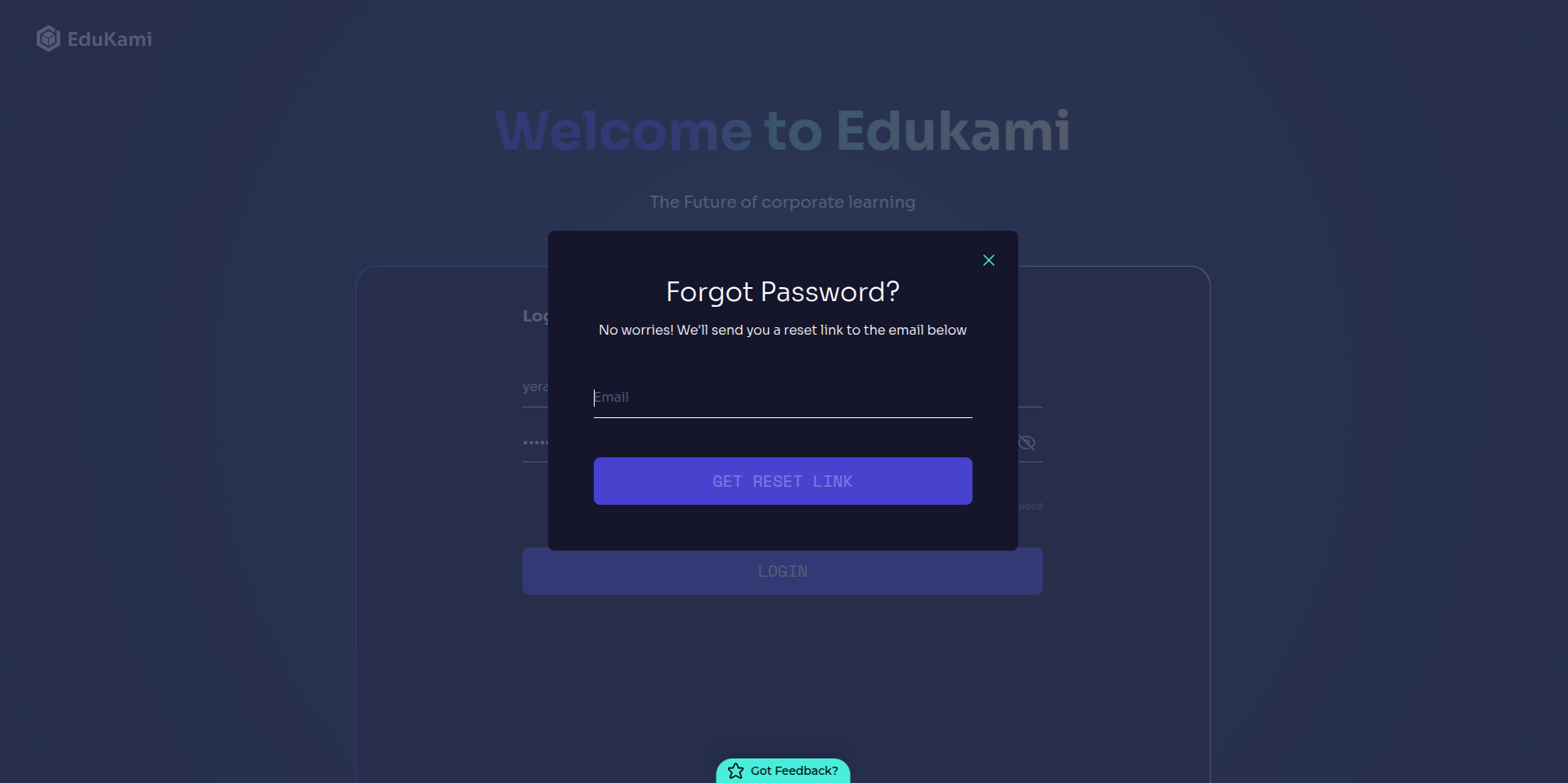
📌 If the email is not received, users should check their spam folder.
Logout
Users can log out of their account from the profile menu.
How it Works
- Clicking on the profile icon at the bottom left opens the user menu .
- Users can select
LOGOUTto securely exit the platform. - They will be redirected back to the Login page .
🚀 Steps to Log Out:
- Click on your profile icon .
- In the dropdown menu, select
LOGOUT. - You will be redirected to the Login page.

📌 Logging out ensures security, especially on shared devices.