Create a Team
To create a Team, go to the Teams section and click on the CREATE TEAM button.
A pop-up window will open where you can assign a name to the team. The ADD ME AS A MEMBER button allows you to add yourself to the team.
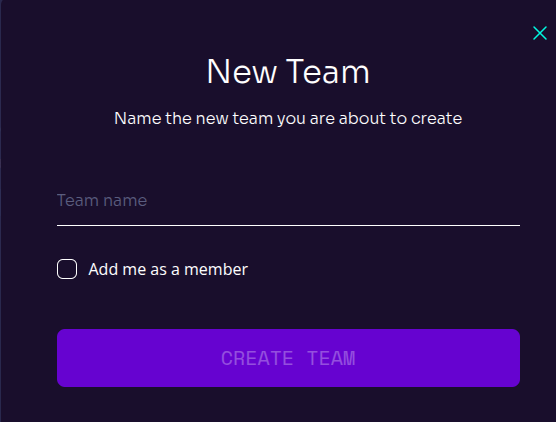
Then click on the CREATE TEAM button to create it.
Once created, the team will appear in the main page along with the other teams.
Edit a Team
To edit a team, click the EDIT button. You can change the team's name or delete it by clicking DELETE TEAM.
