Google Authentication
Google authentication allows owners, administrators and students to access the platform using their own Google accounts, speeding up access.
Using Authentication
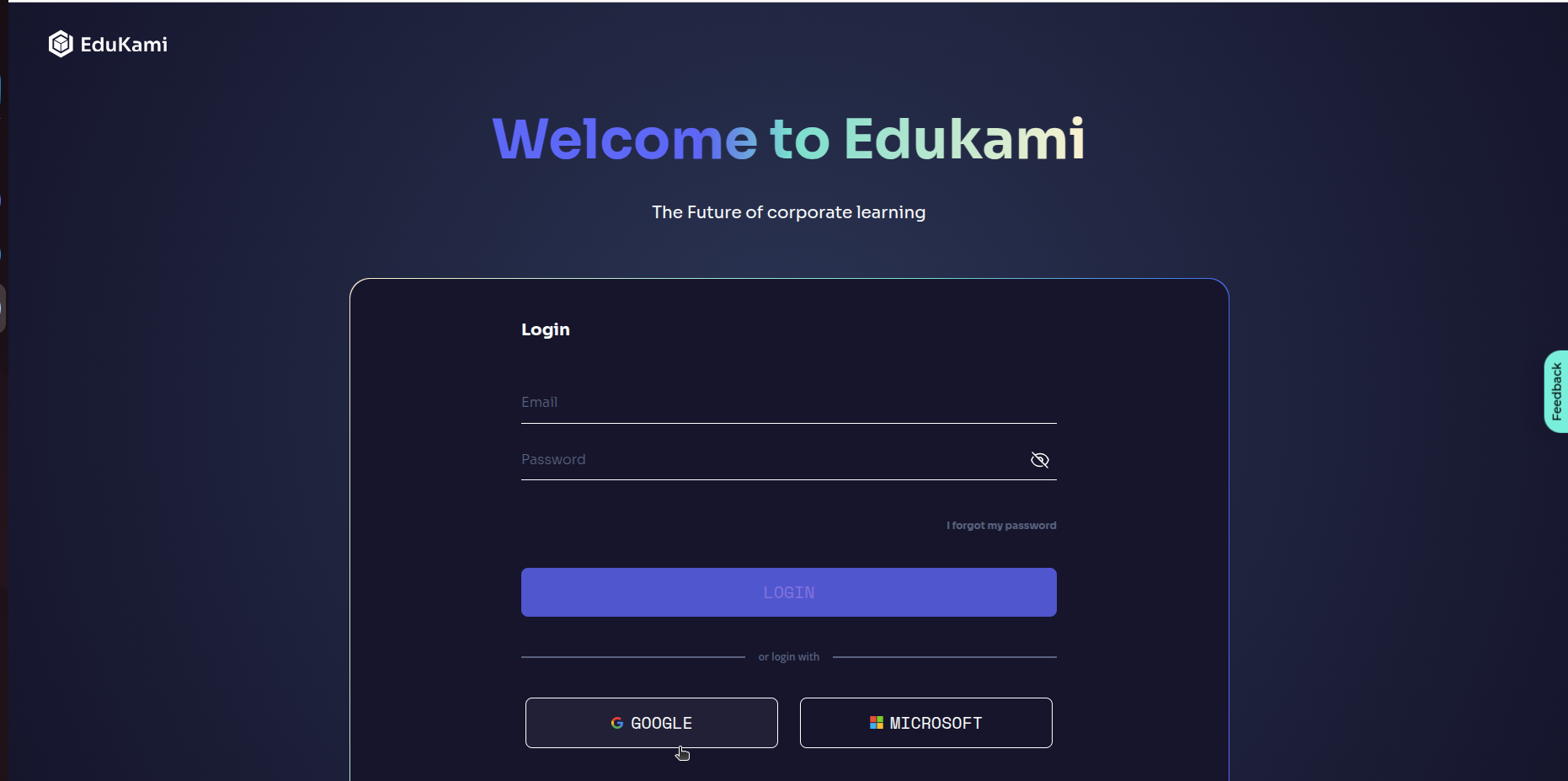
To use Google Authentication, simply click the button with the Google logo and text.
If you do not have any active Google account, the following window will appear:
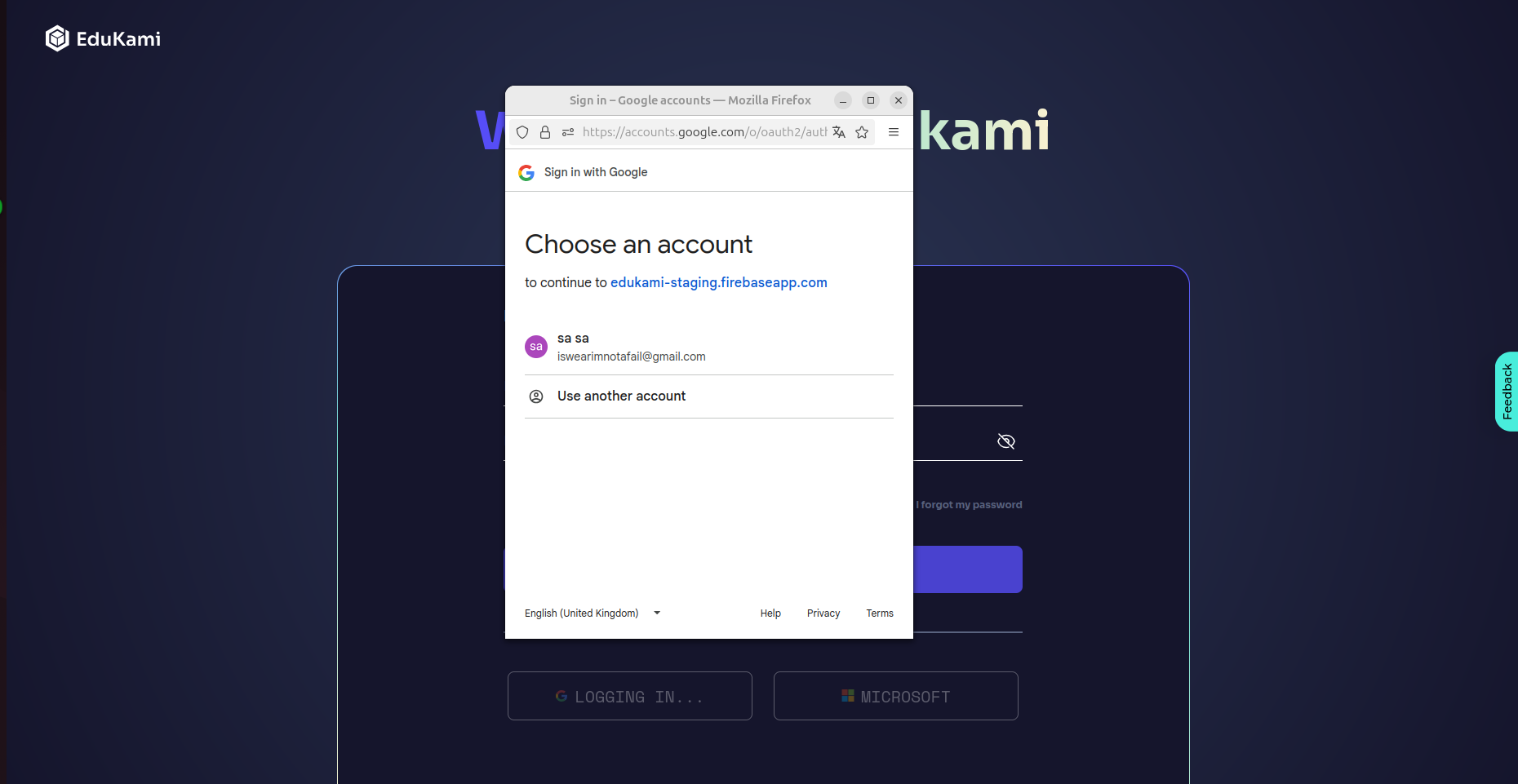
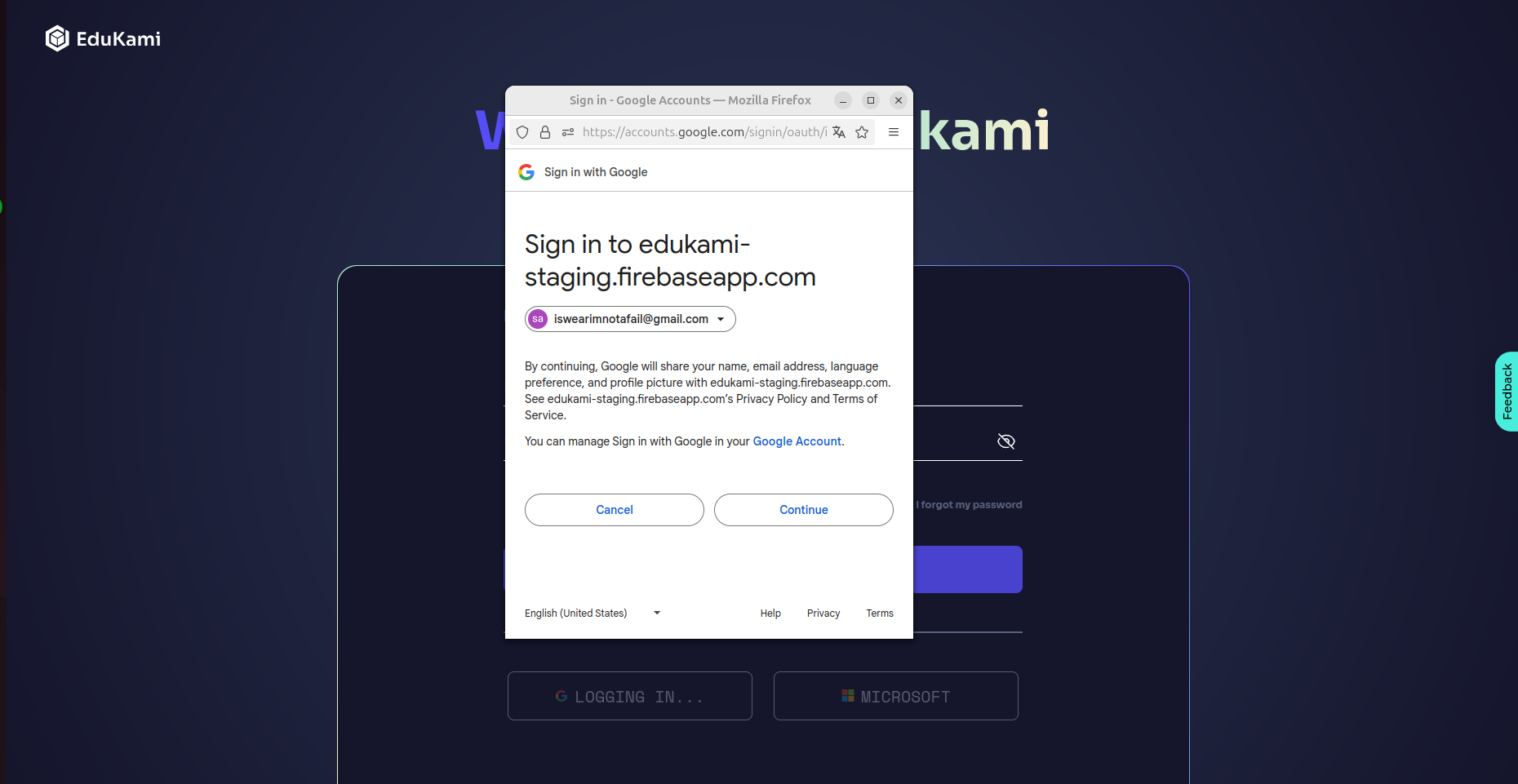
In this window, select the account you want to use for the platform:
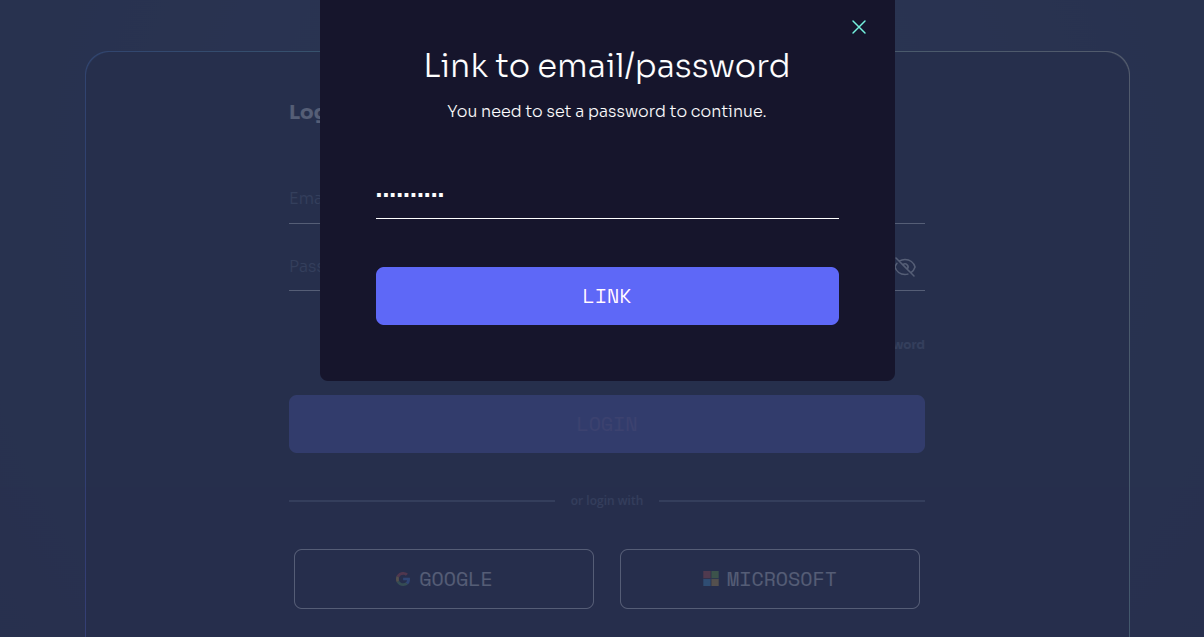
Once accepted, the only step left is to set the password you will use to log into the platform: