Profile
The Profile page allows users to manage their personal information and security settings.
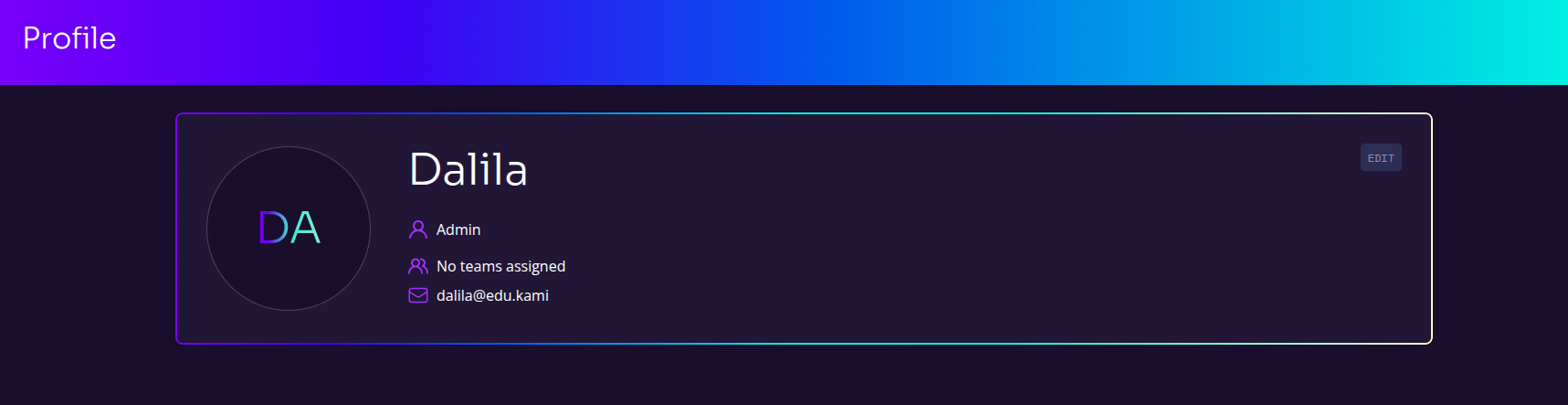
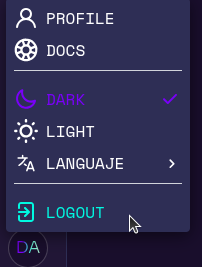
To access your profile, click on your initials or profile icon located at the bottom left corner of the screen. Then, in the dropdown menu that appears, select PROFILE . Here, you can view and edit your personal data.
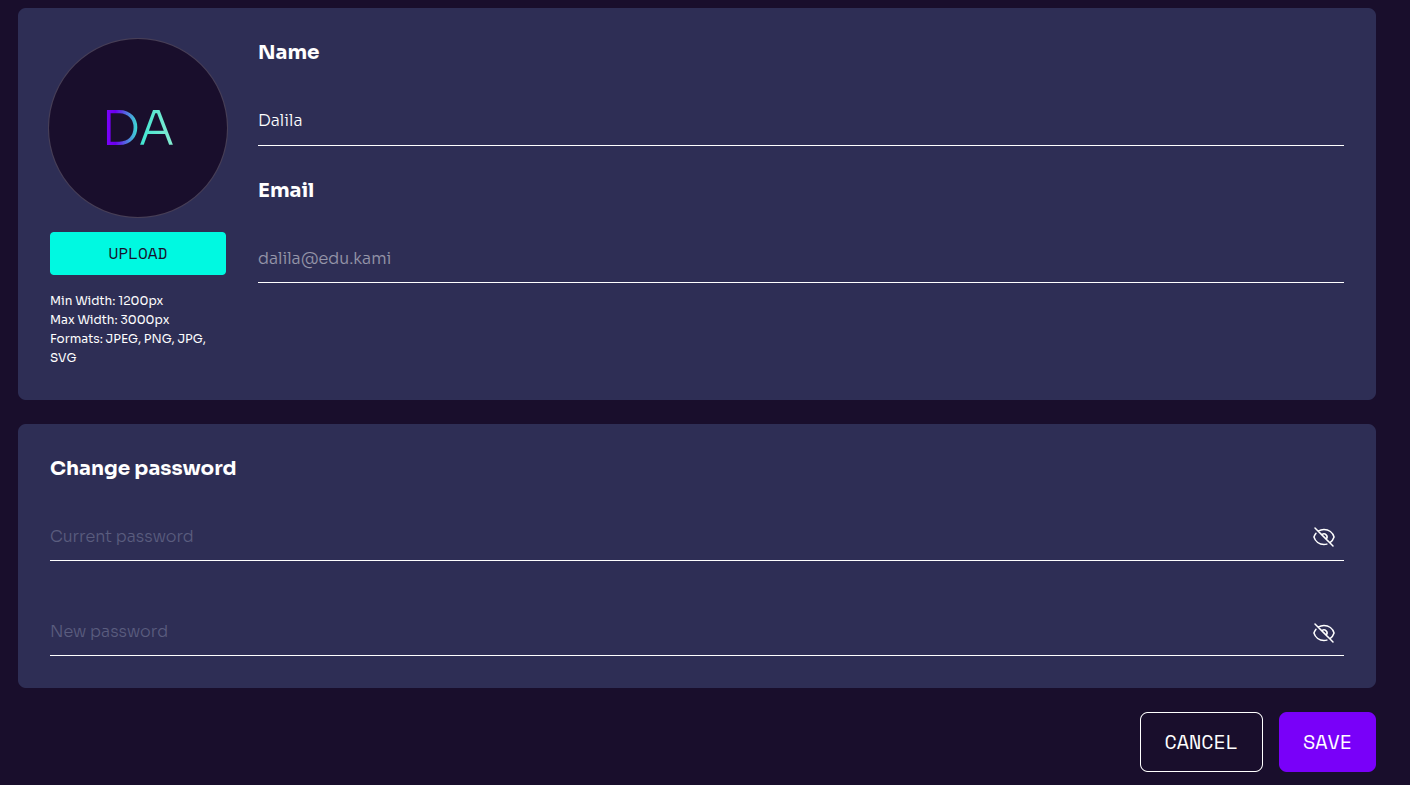
- User Information - Displays the user’s name and email address.
- Profile Picture Upload - Users can upload a profile image following the platform’s format and size requirements.
- Password Management - Users can change their password by entering their current password and setting a new one.