Assessments & Evaluations
To ensure knowledge retention and mastery, a skill can include assessments and evaluations.
Assessments
At the end of certain lessons, users may find assessments designed to reinforce learning. Users must complete the lesson assessment before proceeding to the next stage.
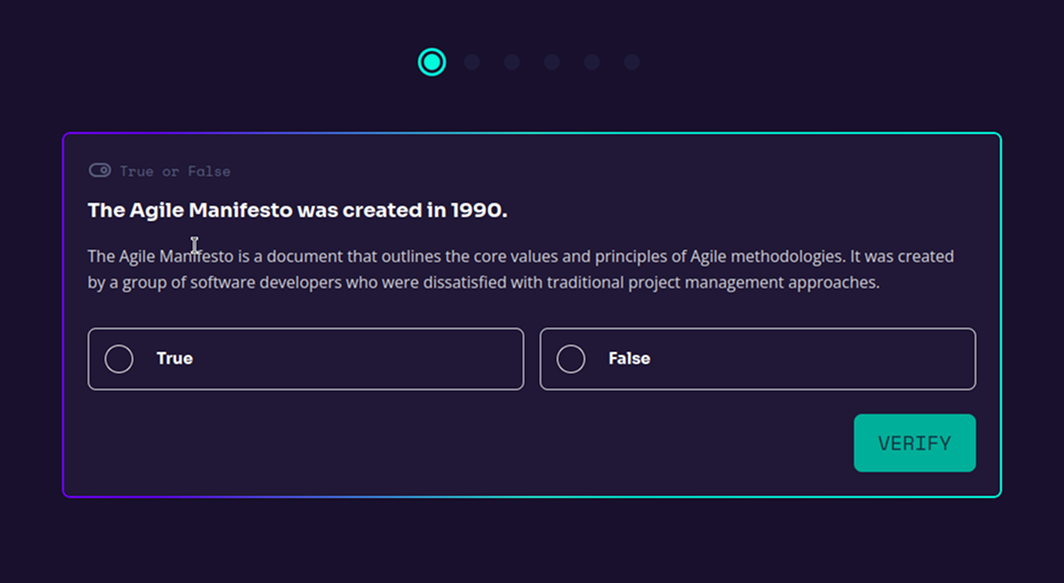
Select your answer and verify to keep going.
How It Works
- Between lessons, users will see an assessment screen.
- They must select an answer and click
VERIFYto check their response. - Users will be able to access the AITutor while taking the assessment. Assessments are designed to provide instant feedback, allowing users to learn from their mistakes and improve their understanding.
- Topic evaluations are desinged to provide instant feedback, allowing users to learn from their mistakes while inproving their understanding.
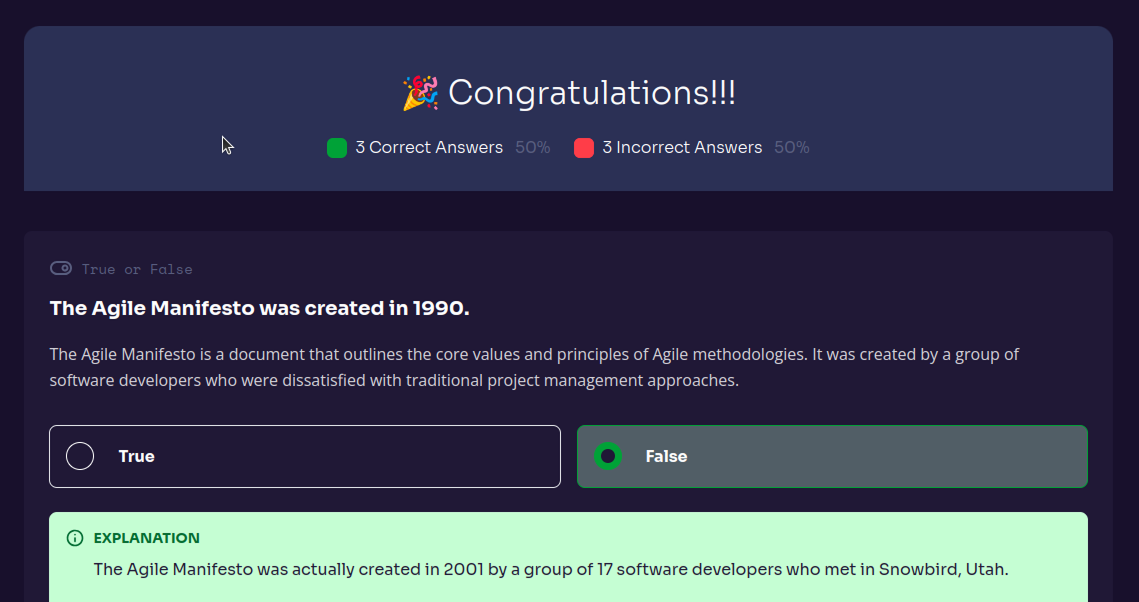
Topic Evaluations
Once all lessons within a topic are completed, users must pass a Topic Evaluation to demonstrate mastery.
How It Works
- After completing all lessons in a topic, users must take the Topic Evaluation.
- Users must select all correct answers and submit the evaluation to proceed.
- Users will not be able to access the AITutor during the topic evaluation.
- If they fail, they must wait 24 hours before attempting again.
- Users can retake the evaluation as many times as necessary until they pass.
- Users can continue learning even if they did not pass the evaluation.
Rules
- Once Evaluation is started user is not allowed to leave it.
- A Skill is not considered complete until all Topic Evaluations have been passed.
- Users can retry evaluations indefinitely, but must wait 24 hours after each failed attempt.
- Passing all Topic Evaluations allows to finish Skill.