Edukami Docs
  • English
  • Español
  • English
  • Español
  • Start Guide
    • Welcome
    • Concepts
      • Skill
      • Topic
      • Lesson
      • Assessment
      • Topic Evaluation
      • Recap Evaluation
    • Overview
      • Signup
      • Access
      • Google Authentication
      • Profile
  • Dashboard
    • Sections
    • Roles
  • Learning Hub
    • Skill Catalog
    • My Skills
    • Team Skills
    • Skill Learning Experience
      • Lesson Viewer & AI Tutor
      • Assessments & Topic Evaluations
  • Skill Studio
    • Workspace
    • Skill Creation
      • Duplicate Skill
      • AI Suggestion
      • Inspiration
    • Content Creation
      • Create Lesson
      • Create Assessment
      • Create Topic Evaluation
      • Create Recap Evaluation
    • Managing & Publishing Skills
  • Teams
    • Teams Hub
    • Create a Team
    • Team Layout
  • Organization
    • Analytics
    • Members
    • Billing
    • Organization Switcher
  • Feedback
    • UserSnap

Teams Hub

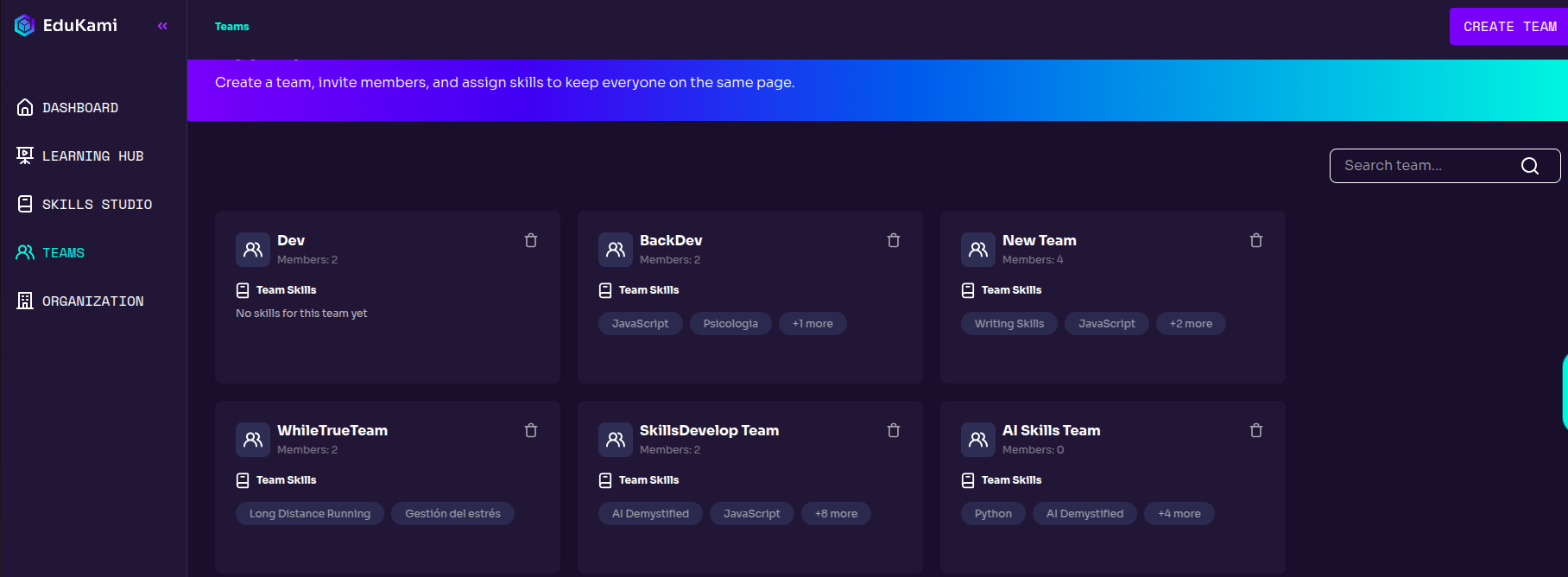
The Teams Hub is the area where users can see which teams they belong to, manage them and create new ones.
Team Creation Pop-up

Team Cards Information

Use the search bar to find specific teams.

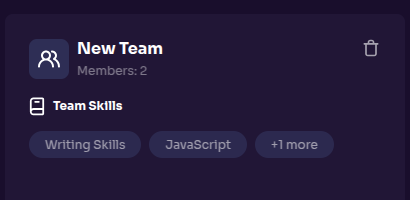
Each team card information includes:

  • Team name
  • Number of members
  • Team skills

Clicking on a team card will open a page with its details, where users can make modifications
Team Creation Pop-up
Prev
Teams
Next
Create a Team